- Jul 3, 2024
Cable Modem Troubleshooting
- Jerry Jones
- 0 comments
Cable Modem Troubleshooting Made Easy!
In today's digital age, a stable and reliable internet connection is crucial. The cable modem is key to your home network setup, ensuring seamless connectivity. However, like any technology, cable modems can have issues that disrupt your online experience. This guide will walk you through effective cable modem troubleshooting techniques, helping you master your home network.
Understanding Cable Modem Basics
To troubleshoot cable modem issues, it's important to understand how they work. Cable modems connect your home network to your Internet Service Provider (ISP) using coaxial cables, enabling data transmission for Internet access. Knowing the basics will help you troubleshoot more effectively.
Common Cable Modem Issues
Cable modem problems can include intermittent connection drops, slow speeds, or synchronization issues. These can be frustrating, but with the right approach, you can resolve them. Identifying the root causes is the first step to fixing these issues and restoring a smooth internet experience.
Modem Troubleshooting Steps
When facing cable modem issues, follow a systematic approach:
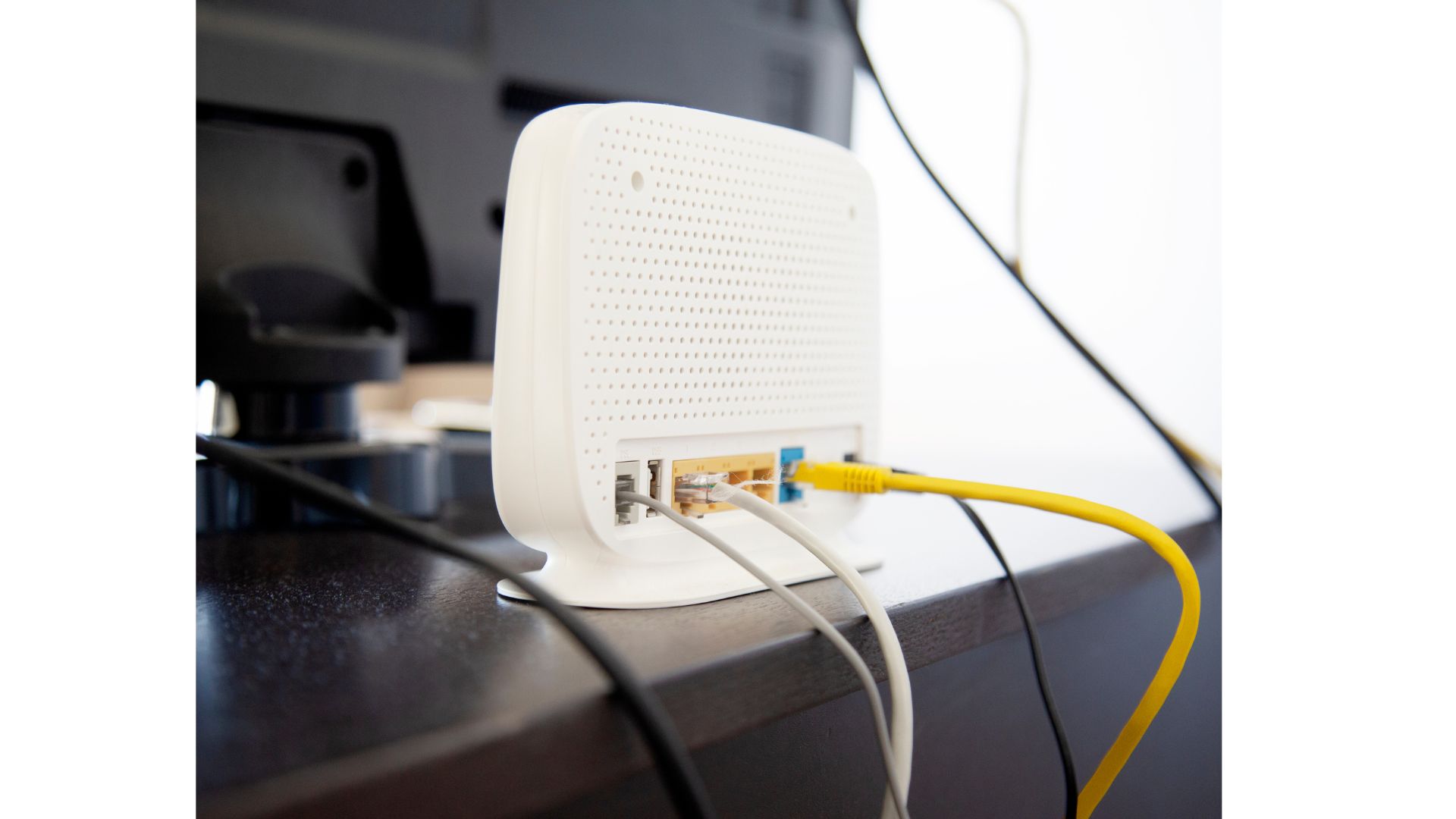
Check Physical Connections: Ensure all cables are securely plugged in and in good condition. Loose or damaged cables can cause connectivity problems.
Power Cycle Your Modem: Unplug the modem from the power source, wait a few seconds, and plug it back in. This simple step can often resolve minor issues by refreshing the modem's connection.
Advanced Troubleshooting: If problems persist, consult your modem's user manual or the manufacturer's website for specific troubleshooting instructions. You might need to reset the modem, update firmware, or adjust configuration settings.
Firmware Updates and Configuration
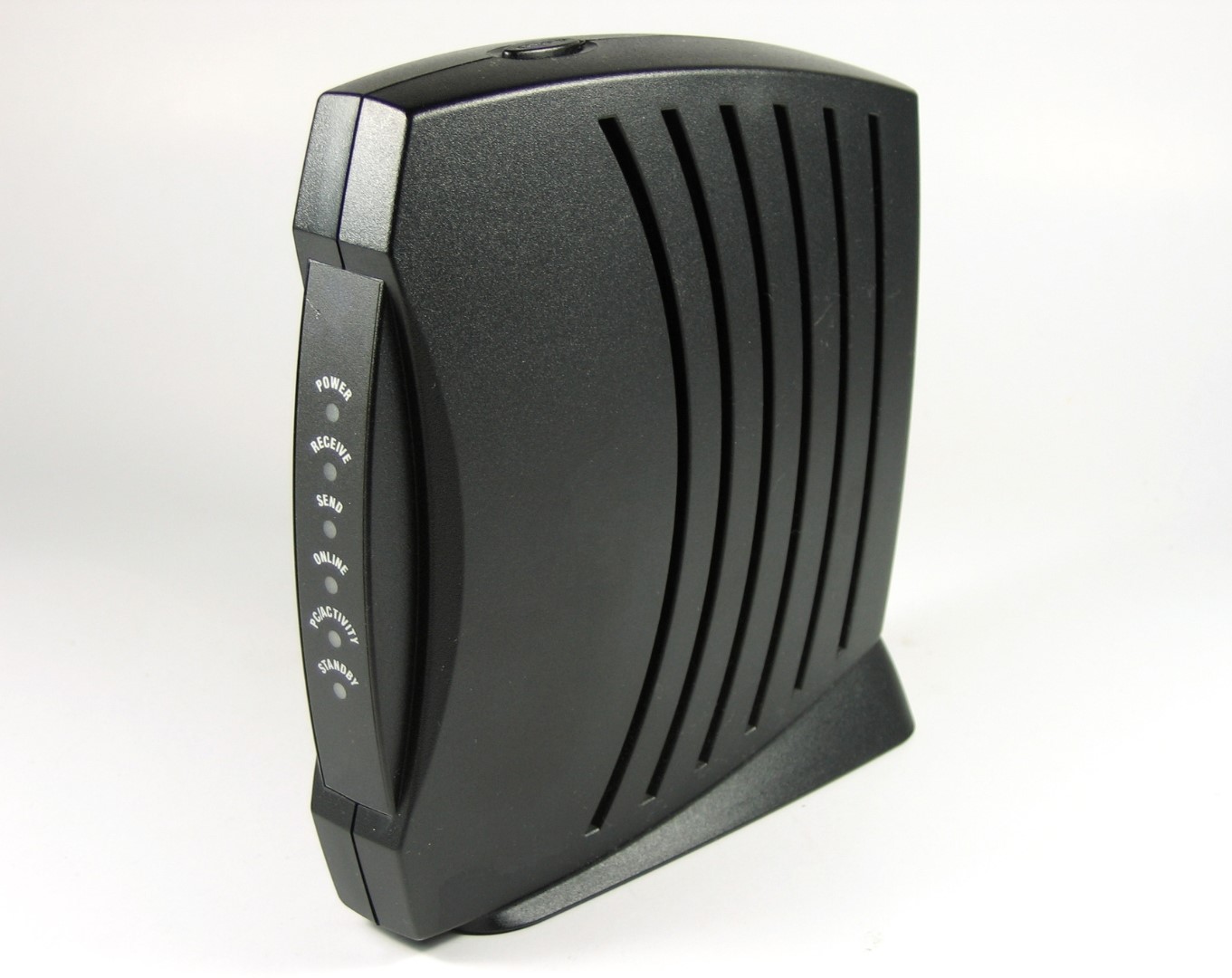
Keeping your cable modem's firmware up to date is crucial for optimal performance. Manufacturers release firmware updates to address bugs, improve stability, and enhance security. Check your modem manufacturer's website for updates and follow their instructions. Understanding modem link lights and their meanings can also help optimize performance. Configuring security protocols and adjusting settings on your home network devices can significantly impact your internet experience.
Seeking Professional Help
If issues persist despite your best efforts, it may be time to seek professional assistance. Contact your ISP's technical support team and provide detailed information about the problem. They have the expertise and resources to diagnose complex issues and guide you toward a resolution. Since your ISP typically owns the modem, they should be ready and willing to help you get back online.
Conclusion
Cable modem troubleshooting doesn't have to be daunting. By understanding the basics and following a systematic approach, you can regain control of your home network. Reliable internet connectivity is within your reach.
For more in-depth knowledge and skills, consider enrolling in the Home Network Ninja Course. This comprehensive course equips you with the tools needed to troubleshoot various networking issues, including cable modem troubleshooting. With the Home Network Ninja Course, you'll gain the confidence to handle any challenge that comes your way.
Take charge of your home network today and unlock the secrets to a reliable and seamless internet experience.